Why Reverse Video Search is Harder Than Reverse Image Search
Reverse video search has to handle motion, reposts, re-encodes, and missing frames — problems that still-image search never encounters. Here is why video search is the harder but more powerful tool.

One clean screenshot can get you close. One full clip can get you home.
That is the real difference between reverse image search and reverse video search. They are related tools, but they solve different failures in the search process.
If you choose the wrong one, you can spend twenty minutes chasing a repost when the original source was one better search away.

What reverse image search does best
Reverse image search is built for a still frame.
It works best when:
- you already have a screenshot
- one frame contains the key clue
- the scene is visually distinctive on its own
- you want a fast first pass before doing deeper source work
For product shots, memes, logos, or a uniquely recognizable frame from a video, it can be excellent.
Where reverse image search starts breaking down
Video problems usually do not live inside one frame.
A viral clip may have been:
- cropped for a new aspect ratio
- mirrored to dodge detection
- covered by subtitles or stickers
- re-encoded multiple times
- shortened so the best frame never appears
In those cases, a still-image search can produce the wrong outcome even when it returns results. You may find screenshots, reposts, or visually similar scenes without ever landing on the actual source page.
What reverse video search adds
Reverse video search is better when the footage has a history.
It can help when you need to:
- find the original source of a clip
- track reposts across platforms
- locate the full version of a shortened upload
- compare related matches instead of isolated screenshots
That is why reverse video search usually wins on short-form content, reposted social clips, and source tracing.
Use reverse image search when the clue is visual
A still-image search is still the better move when:
- you only have one screenshot
- the important evidence is visible in a single frame
- the clip itself is unavailable
- you are trying to identify a place, object, sign, or scene detail
In other words, use it when a frame already contains the answer.
Use reverse video search when the clue is temporal
Use reverse video search when the meaning of the clip depends on duration, sequence, or repost history.
That includes:
- missing intros or endings
- clips shared with new captions
- mirrored or edited versions
- source hunting across TikTok, Instagram, Reddit, X, and YouTube
The moment you care about where this footage came from, not just what this one frame looks like, video search becomes the stronger tool.
The best workflow is not either-or
Smart investigators use both, just not in the same order every time.
Here is the practical rule:
- If all you have is a screenshot, start with reverse image search.
- If you have the clip or a public URL, start with reverse video search.
- If the results are incomplete, use the other method to fill the gap.
This hybrid approach works because the tools fail differently. One helps when a frame is enough. The other helps when a frame is too small to tell the story.
A quick example
Imagine you found a twelve-second clip with repost subtitles covering the bottom half of the screen.
With reverse image search, you might:
- capture a frame
- match a few reposted screenshots
- miss the original upload completely
With reverse video search, you can:
- upload the clip or paste the URL
- review ranked matches across multiple domains
- spot longer versions and cleaner uploads
- rerun with a deeper mode if the first pass is thin
That is the difference between finding a familiar picture and finding the trail.
Which tool should you use today?
Use reverse image search if the still frame is your strongest evidence.
Use reverse video search if the clip itself is your strongest evidence.
And if your real goal is source tracing, repost analysis, or finding the longer version, start with the footage. That is the shortest route back to the truth.
If you want to test that workflow on a real clip, run it through FrameTrace Reverse Video Search.
Author

Categories
More Posts
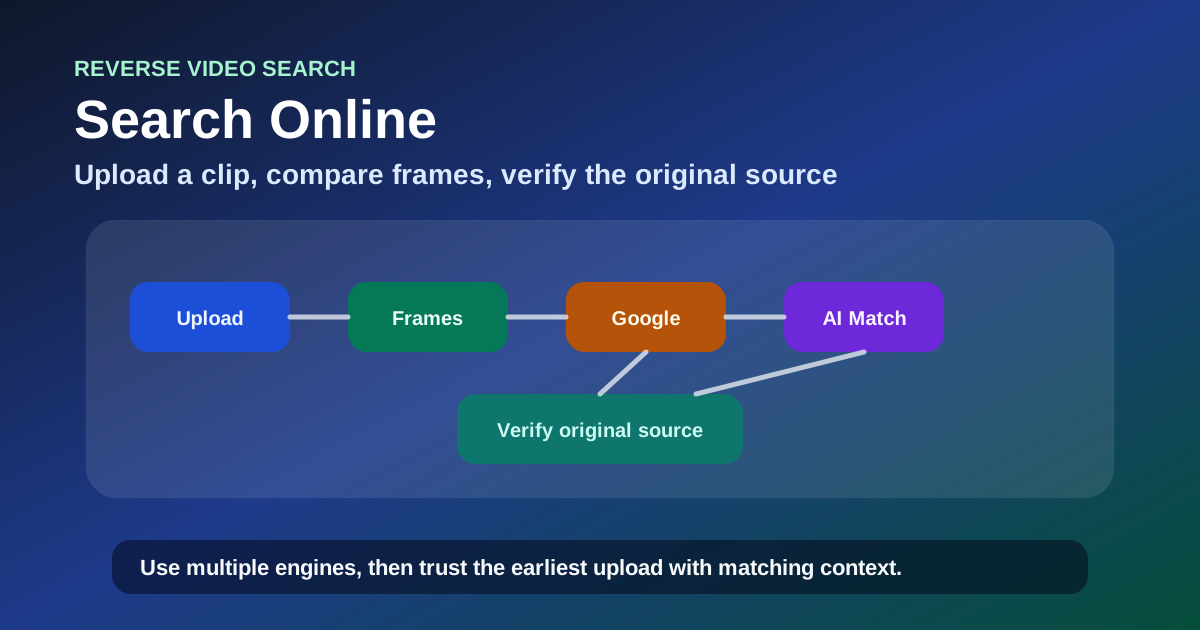
Reverse Video Search Online: 6 Free Ways to Find Any Video Source in 2026
Learn how to do a reverse video search online using free tools, Google, and AI. Step-by-step guide to the best websites for reverse video search with real methods that work.
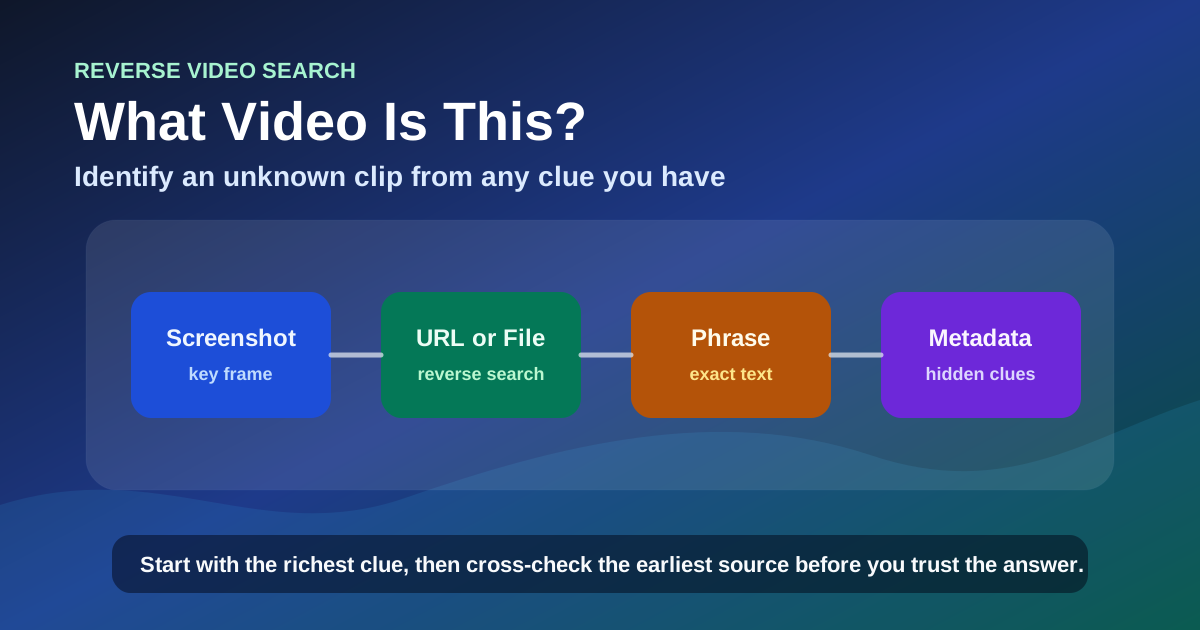
What Video Is This? How to Identify Any Unknown Video in 2026
Identify any unknown video from a screenshot, URL, spoken phrase, or file. A step-by-step guide covering image search, reverse video search, text search, metadata investigation, and AI-generated video detection.

How to Find the Original Source of a Video with Reverse Video Search (2026 Guide)
A practical guide to finding where a video originally came from. Use reverse video search to trace reposts, identify the earliest upload, and verify the real creator in minutes.
Newsletter
Join the community
Subscribe to our newsletter for the latest news and updates